Groups
Organise participants into groups, assign contacts and training plans, and keep track of who trains in which group.
Overview
You can find this page in the menu under Training → Groups.
With groups you organise participants and contacts — for example "Beginners Monday" or "Exam group". Each group can have an assigned trainer, a training plan and a location.
To a group you assign contacts, one or more trainers and a training plan. This cleanly separates skill levels, age groups or course formats, and each trainer sees exactly the participants of their group.
Via the group assignment you also control which content and appointments a participant sees in their app, and you can send notifications specifically to a single group instead of contacting all contacts. Participants can be in several groups at the same time, for example in a skill group and an age group.
When a participant leaves a group, their previous training and progress data is retained and not lost.
Because groups, calendar and communication are connected, a schedule change automatically reaches exactly the members of the affected group, and each trainer sees their group's participant list always up to date in the app.
The group structure can be adjusted at any time when new participants join or skill levels change.
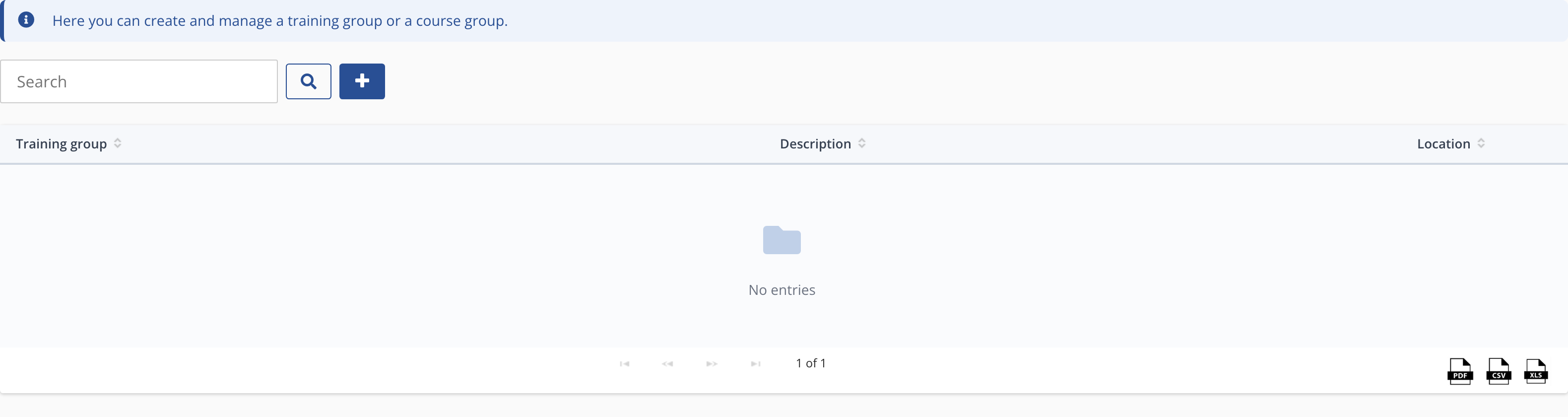
Creating a group
- Group name and description.
- Assign participants from your contact list.
- Add a training plan and a trainer.