Designer
Use the designer to create plans and views for your school — such as room, hall or ground plans for courses and reservations.
Overview
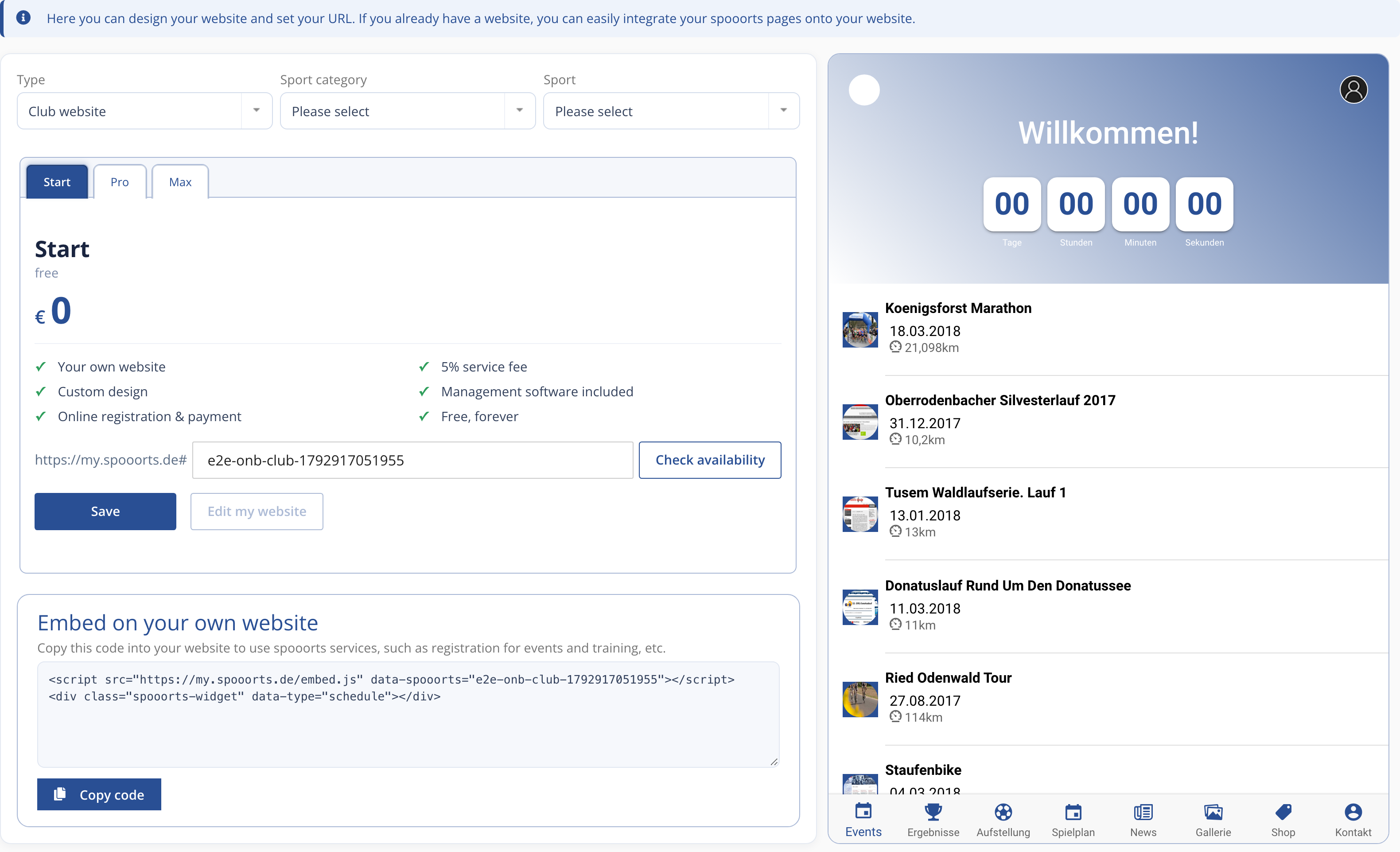
You can open the Designer from the spooorts Manager under We → Website & App or directly at designer.spooorts.app.
With the designer you create graphical plans and views — for example room, hall or ground plans. These can be linked to locations and resources.
With the Designer you create graphical plans and views of your school — such as room, hall or court plans for courses and reservations. Each area in the plan can be linked to a location and a bookable resource, so that participants directly see which room or court is free.
The design is done entirely in the browser, without programming knowledge: you place areas, lines and labels, choose colours to match your branding and, if needed, upload a floor plan as a background. All changes appear immediately on website and app.
Besides the plan, you use the Designer for the rest of the branding — logo, colours and the home page of your school website. This creates a consistent appearance across website, app and booking.
Because the plan is linked directly to your bookable resources, participants land with one click on the area in the booking grid of the correct room or court.
You can revise the plan at any time, add further areas or hide them seasonally. Because everything is maintained centrally, website, app and booking stay automatically in sync, without duplicate maintenance in different places.
Because the Designer runs entirely in the browser, you create plans and branding without programming knowledge and without additional graphics software, and the result is immediately visible on all your school's channels.