Attendance
Record who was there per session – trainers, participants, referees and helpers – and feed the course utilisation.
Overview
Under We → Attendance you record per session who was there – trainers, participants, referees and helpers. With New entry you add an attendance; All entries shows the history. Missing check-ins can be added or corrected at any time. The recorded check-ins feed the course utilisation in the Trends & analytics.
The attendance list
The list shows all recorded attendances; the filter narrows it down:
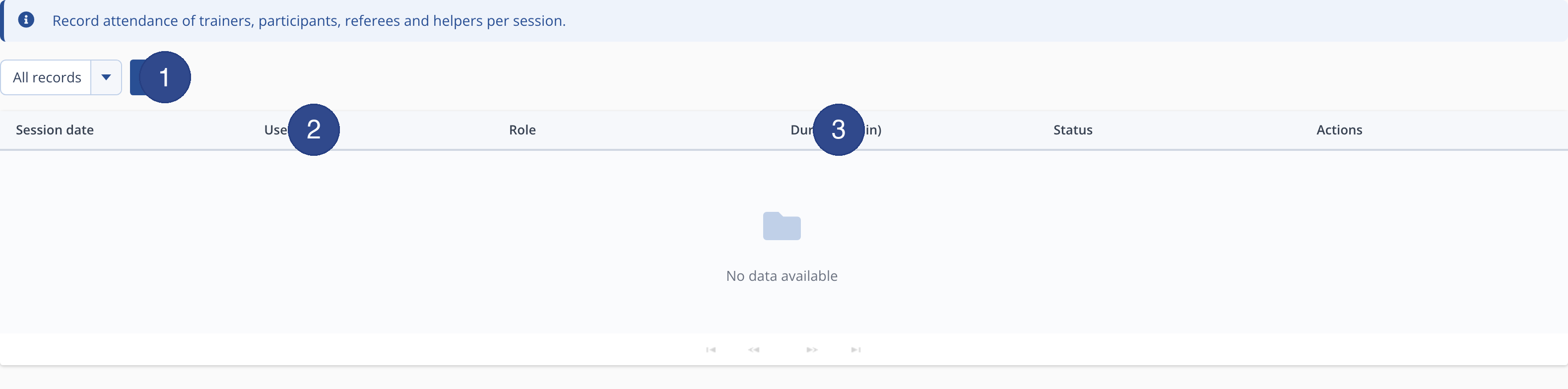
Per row an entry can be edited or removed. The history is kept permanently and can be narrowed by period or person, for example to trace a particular person's attendance across several sessions.
Recording attendance
In the New entry dialog you choose session, person and role and record the duration. This reliably documents participation – for example as proof for funding, for trainer compensation by hours taught, or to analyse how well individual courses are attended. The more check-ins exist, the more meaningful the utilisation trends become. The role distinguishes whether someone attended as a trainer, participant, referee or helper, so you can also trace the deployment of your support team. With the set status you complete an entry.