Calendar
The calendar is your school's central scheduling — here you create course appointments, slots and series and assign trainer and location.
Overview
In the calendar you schedule the "when" of your offering. You create appointments for courses, assign trainer and location, and create series for recurring appointments. Participant bookings appear directly on the respective appointment.
In the calendar you create course dates, slots and series and assign a trainer and location to each appointment. Via filters you narrow the display by location, trainer, group or appointment type and switch between day, week and month views.
Recurring appointments are represented as a series, so a regular course only has to be entered once; individual dates can be moved or cancelled as an exception. Because the calendar builds on the same data set as bookings and participant lists, every appointment is directly linked to its participants, and changes automatically trigger notifications.
External calendar subscriptions keep participants and trainers automatically up to date, and you move appointments with a few clicks by drag and drop.
Because bookings, courses and slots come together in the same calendar, you see at a glance when which room, trainer or resource is occupied and avoid double bookings already during planning. You also enter blocked times for maintenance or internal use here.
Since the calendar works in real time, bookings received online appear immediately and you can react at short notice.
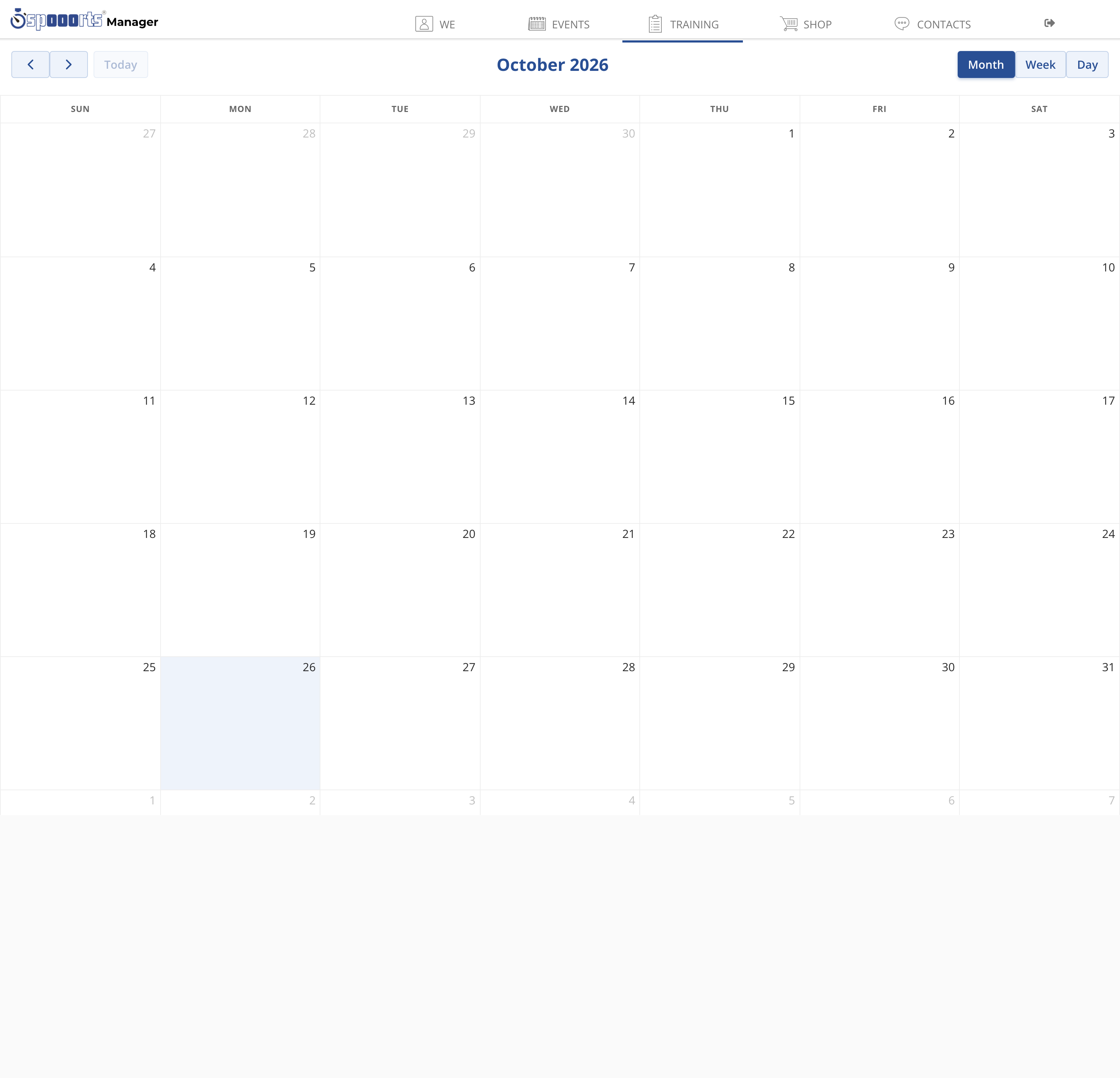
Calendar
Menu path: Training → Calendar. Shows courses, camps and bookings; filter by location, trainer or group.
Tips
- Use series for regular courses instead of creating each appointment individually.
- Check capacity and location before you publish an appointment.