Communication & Notifications
Reach participants by email, newsletter and push notification — from appointment reminders to season announcements.
Overview
You find this page in the menu under Contacts → Messages.
Via communication you reach participants by email, newsletter and push notification. Automatic notifications inform about bookings, appointment reminders and cancellations.
Via communication you reach participants by email, newsletter and push. Automatic notifications inform about booking confirmation, appointment reminder and cancellations; you use your own mailings for season announcements or promotions.
All channels build on the same contact and consent data, so that unsubscribed recipients are automatically excluded and the outreach stays GDPR-compliant. You create templates for recurring messages once and reuse them, without additional software.
Every message can be designed with your logo and colours, so that even automatic emails look consistent. The system automatically fills placeholders for name, appointment or course, which avoids typos and manual rework.
This creates a continuous communication flow from the first contact to the follow-up of a course, without you having to send messages manually or maintain recipient lists separately. All mailings are logged, so it remains traceable who received which information.
Because all channels build on the same participant and consent data, you reach your audiences in a targeted and legally compliant way, without maintaining recipient lists in a second tool; unsubscribed recipients are automatically excluded.
Whether automatic appointment reminder or manual season announcement — all messages run through the same central interface.
This keeps your school's entire communication bundled and traceable in one central place.
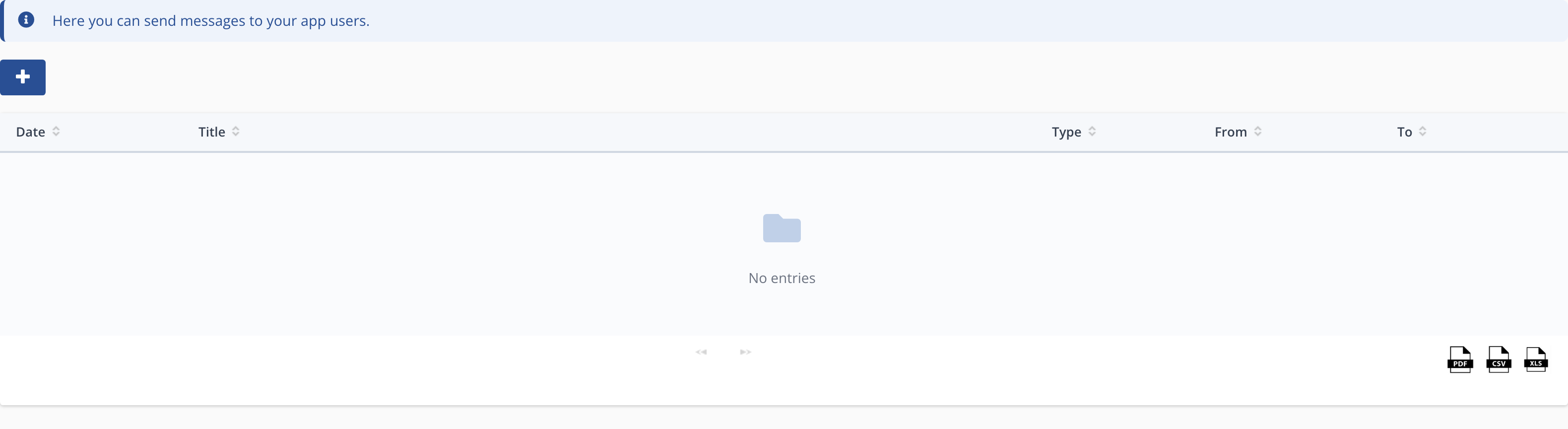
Communication
Menu path: Contacts → Notifications and Newsletter. Send info and newsletters to participants and parents.
Tips
- Enable appointment reminders to reduce no-shows.
- Use the newsletter for the start of the season and promotions.